NEW Widgets - Keep Your Play Streak in Sight


July 2, 2026
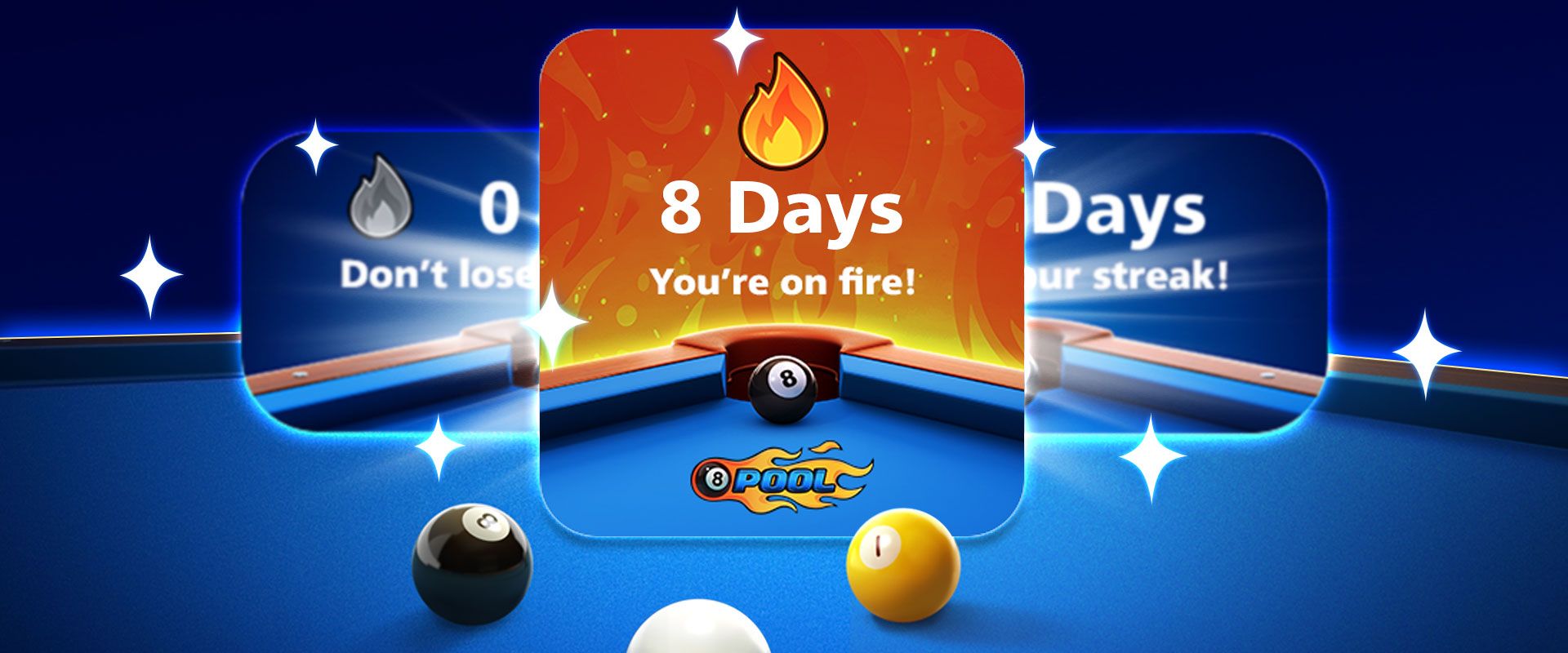
Bring your 8 Ball Pool Play Streak to your Home Screen with NEW Widgets!

YOUR DAILY PLAY STREAK
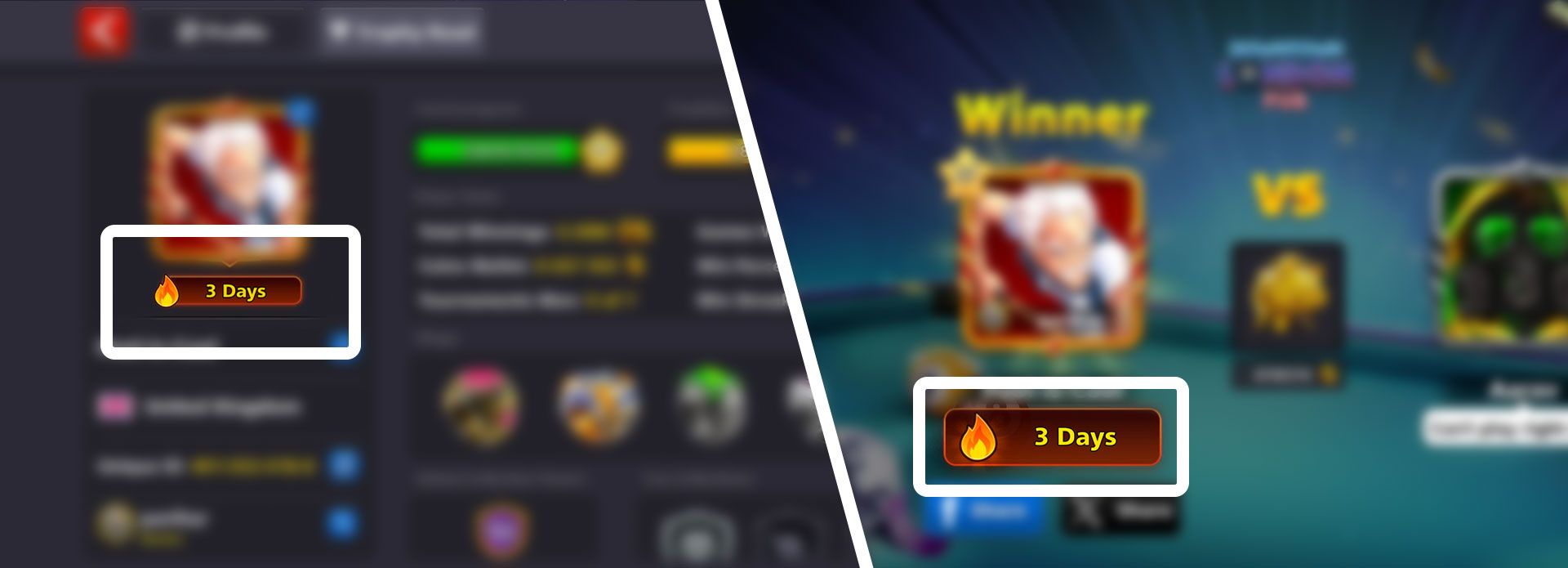
You can check your personal Play Streak on your Player Profile - it’ll also be displayed and updated after your first match of the day.
Play NOW to ignite your NEXT Play Streak!
Streak ALREADY burning? Play DAILY to keep it lit!
NEW HOME SCREEN WIDGETS

Your hard-earned Play Streak deserves a Home Screen spotlight!
Keep your Streak in sight with stylish 8 Ball Pool Widgets, available now for Apple and Google devices.
GOOGLE | ADD WIDGET
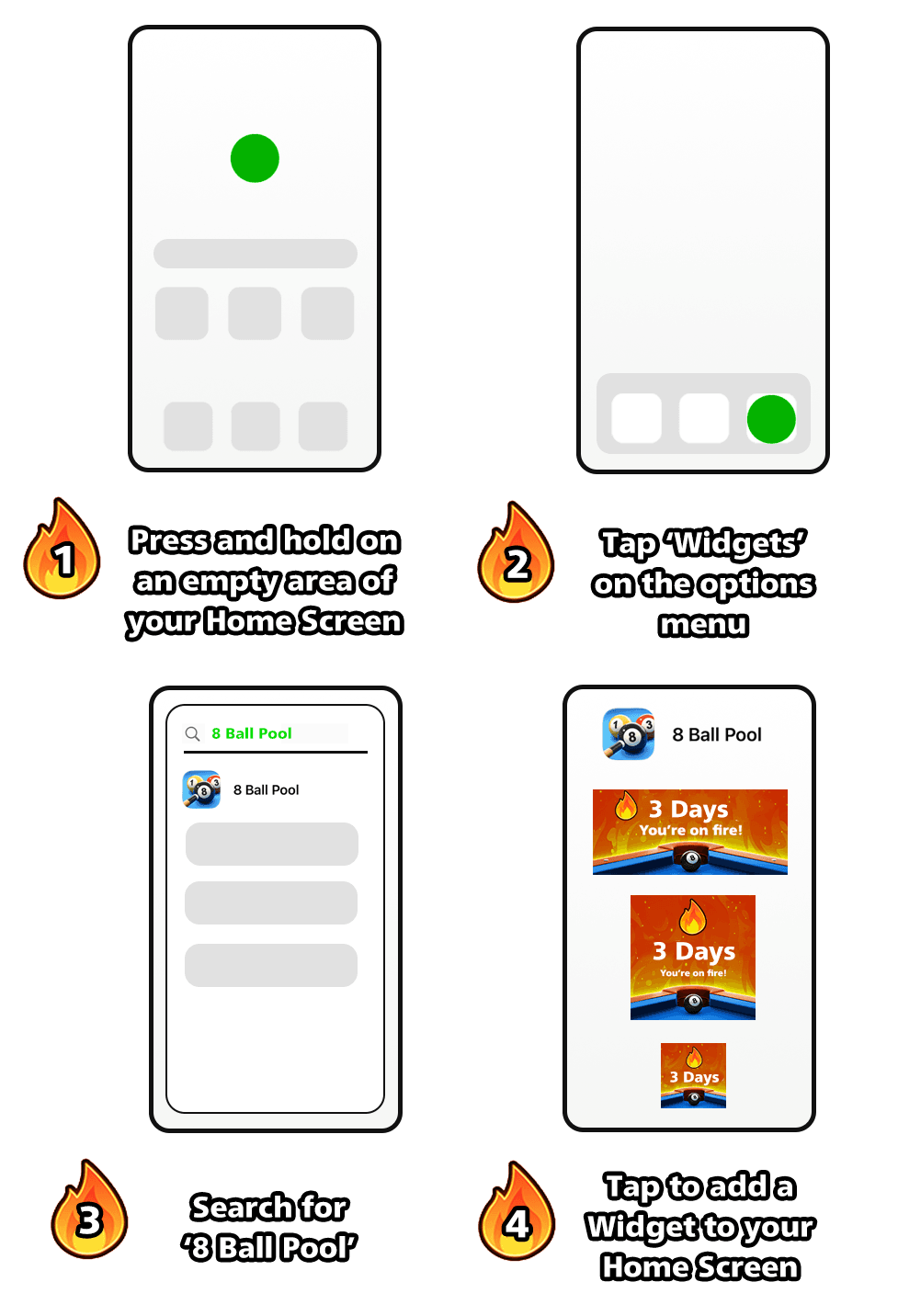
- Press and hold on an empty area of your Home Screen
- Tap ‘Widgets’ on the options menu
- Search for ‘8 Ball Pool’
- Tap to add a Widget to your Home Screen
APPLE | ADD WIDGET
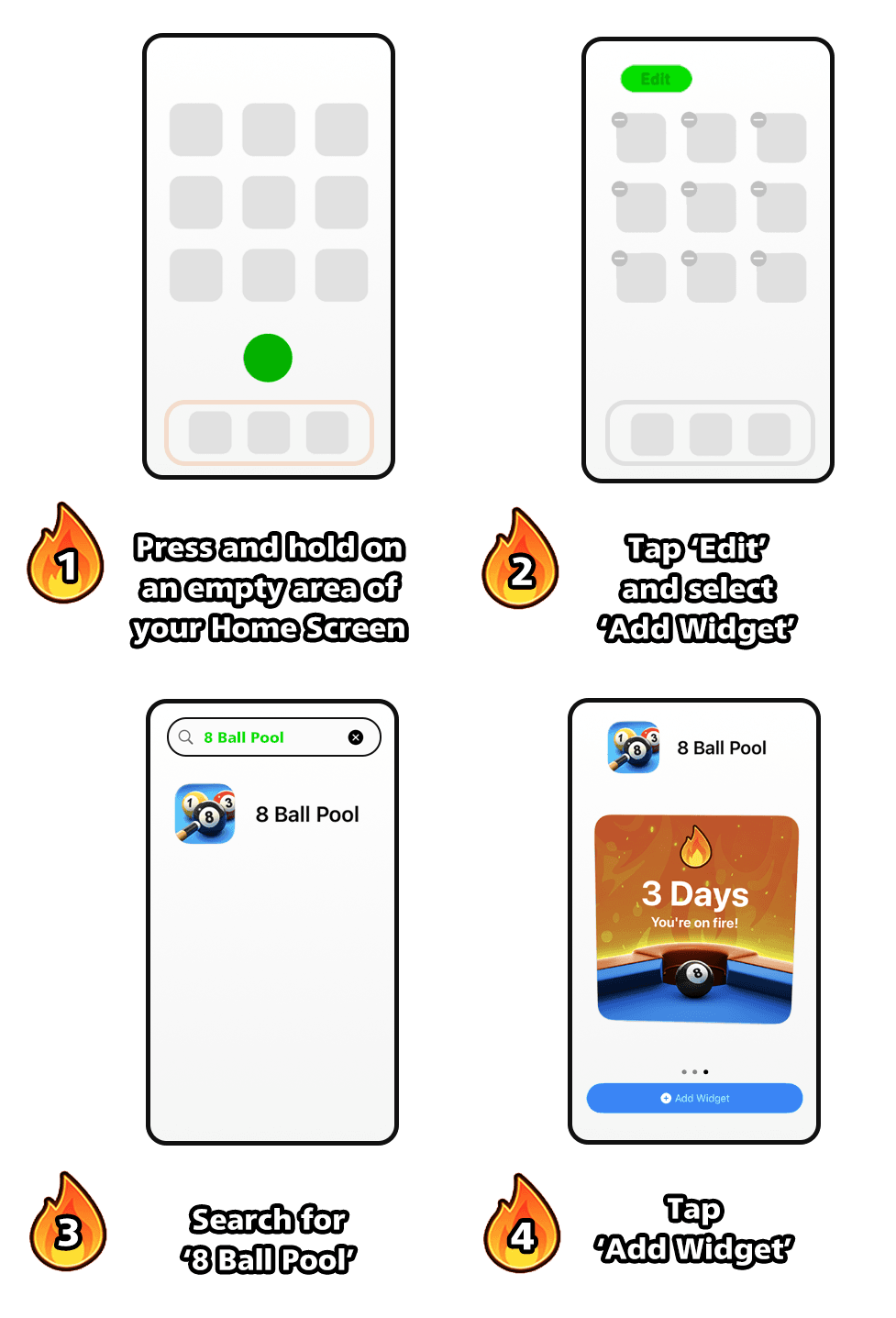
1. Press and hold on an empty area of your Home Screen
2. Tap ‘Edit’ and select ‘Add Widget’
3. Search for ‘8 Ball Pool’
4. Tap ‘Add Widget’
With a milestone 15 Years Anniversary Season under way, there’s never been a better time to ignite your Play Streak and keep it burning!

Share this post
 Previous Post
Products bought on this page are mobile-exclusive items and do not appear in the web version of the game